The 10 AI tasks I automate every week as a founder
How I automate tasks with AI as a solo founder: 10 real weekly automations, from inbox triage to research, with honest notes on what still needs me.
 Rafaela BuenaUpdated 4 min read
The tasks worth automating with AI are the ones that repeat weekly, follow a pattern, and drain you without requiring your judgment: email triage, meeting notes, content repurposing, research summaries, reporting, and the rest of the list below. As a founder running Gigi with AI and no engineers, I automate ten of these every single week, and together they hand me back somewhere around a full working day. Here they are, with honest notes, including the ones that still need babysitting.

The communication pile
1. Inbox triage. Every morning, AI sorts my inbox into needs-me-today, needs-me-eventually, and needs-nobody. It drafts replies for the first pile in my voice, because I trained it on my actual emails. I still send everything myself. The drafts are about eighty percent right, and editing eighty percent takes a fraction of the energy of staring at a blank reply box.
2. Meeting notes and follow-ups. Calls get transcribed, summarized, and turned into action items before I’ve refilled my tea. The follow-up email drafts itself from the transcript. I used to lose entire evenings to “I’ll just write up today’s calls.” Not anymore. Those evenings are mine again.
3. Workshop admin. Pre-workshop questionnaires get summarized into a one-page brief about each team: their tools, their fears, their most-hated recurring task. I walk into every session already knowing the room.
The content engine
4. Repurposing. One newsletter becomes a LinkedIn post, an Instagram caption, and workshop material. The AI does the reshaping; I do the taste. Of everything here, this one gives back the most for the least setup, and it’s the easiest place to start.
5. First drafts from voice notes. I ramble into my phone on walks, and AI turns the rambles into structured drafts. My best ideas arrive mid-walk and used to die there. Now they get captured, chaos and all, and tidied later.
6. The content calendar sanity check. Weekly, AI reviews what I’ve published against what I planned and tells me where I’m drifting. It is politely relentless about this. Like a personal trainer for consistency, minus the whistle.
The founder brain work
7. Research digestion. New gut health studies, AI tool launches, competitor moves: AI reads the long versions and gives me summaries with links so I can verify anything that smells off. And things do occasionally smell off. Verification stays in the loop, always. I learned that lesson the expensive way.
8. User feedback clustering. Gigi feedback from all channels gets grouped into themes weekly: what’s confusing, what’s loved, what’s requested. Patterns I would have caught in a month surface in minutes. This one automation has quietly steered more product decisions than any brainstorm.
9. Metrics narration. Instead of squinting at dashboards, I have AI turn the week’s numbers into three paragraphs: what moved, what didn’t, what deserves my attention. Numbers I’d postpone reading become a story I actually read.
10. The Friday review. My calendar, sent emails, and completed tasks get compiled into a summary of where the week really went, compared against what I said mattered on Monday. Occasionally brutal. The week I discovered I’d spent eleven hours on something I’d labeled “quick fix” was a character-building Friday.
What I deliberately don’t automate
Anything involving trust. Difficult conversations, investor updates, replies to a user who shared something vulnerable about her health. AI can help me think about these, but the words that reach the person are mine, typed by my own silly human hands, sometimes with caps-lock accidentally on.
The pattern behind all ten, if you want to build your own list: automate the assembling, sorting, and summarizing. Keep the judging, deciding, and relating. The machine does the rough carpentry. You do the part with your name on it.
Start with one. Repurposing or meeting notes, probably. One automation that survives three weeks beats five that collapse by Friday.
FAQ
What tasks should I automate with AI first?
Start with whatever repeats weekly and makes you sigh when it appears. For most people that’s meeting notes, email drafting, or turning one piece of content into several. Pick a task where an imperfect draft still saves you time, because early automations are imperfect.
Do I need coding skills to automate tasks with AI?
No. Everything on my list runs on plain-language instructions in tools like ChatGPT and Claude, plus a few no-code connectors. I built an entire app without engineers. Your weekly reports do not require a computer science degree, I promise.
How much time does AI automation actually save?
For me, roughly a day a week across these ten. Your number depends on how repetitive your work is, but most people in my sessions find three to five hours in the first week, mostly from writing tasks and meeting follow-ups.
——
If you read this list and thought “fine, but my week is different,” good. It should be. In a 1-1 AI session we build your list, from your actual week, and set the automations up together. Teams get the same treatment in a workshop. My contact page is where that starts. Or see 1:1 AI coaching.
[

](/contact)
Keep reading
All posts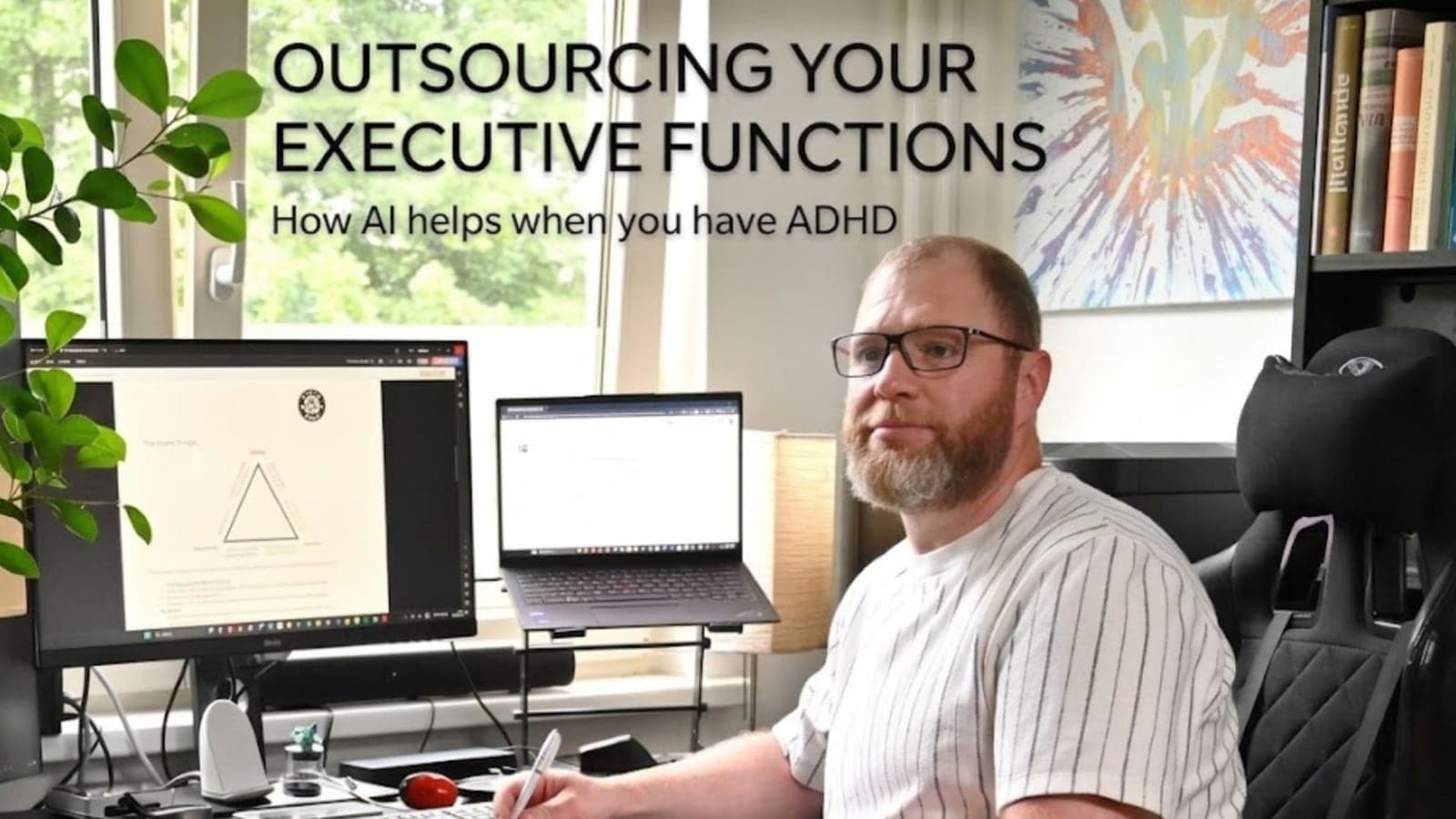
3 min readGuest post by Yann Ghisalberti
Outsourcing your executive functions: how AI helps when you have ADHD and run out of mental energy
If you have ADHD, your brain doesn't struggle with ideas. It struggles with the invisible steps between the idea and the first sentence. A guest post by ADHD coach Yann Ghisalberti on three ways AI can carry that load.
Read the post
6 min read
How I use Claude to run my social media and clean up my digital life (a real week, no code)
Last week I handed Claude my social media, my old TikToks and my messy folders. I’m not an engineer. Here’s exactly what it did, what went wrong, and how you can start.
Read the post
4 min read
How to choose an AI trainer for your team: 9 questions to ask
Hiring an AI trainer or AI workshop for your team? Nine questions that separate training people actually use from a slide deck they forget by Friday.
Read the postOnline AI course · at your own pace · opens December