How I use Claude to run my social media and clean up my digital life (a real week, no code)
Last week I handed Claude my social media, my old TikToks and my messy folders. I’m not an engineer. Here’s exactly what it did, what went wrong, and how you can start.
 Rafaela Buena6 min read
Last week I asked Claude to turn one LinkedIn post into an Instagram and a TikTok version, archive more than a hundred old TikToks, rebuild my YouTube profile, sort my photo folders, and send a DM to everyone who comments "GIGI" on my posts.
I'm not an engineer. I'm a founder with too many tabs open. Here is exactly what that looked like, what went wrong, and how you can start doing the same this week.
First: this is not "chatting with AI"
Most people use AI like a smarter search box. You type a question, you get an answer, you copy it somewhere else, and you still do all the work.
What changed for me is that Claude now works on my computer, with me watching. In the Claude desktop app, with Claude in Chrome, it can open my browser, click through Instagram or TikTok, create and rename files in the folders I give it, and write little scripts when a task needs them. I describe the outcome I want. It plans the steps, does them, and stops to ask me when something needs my decision.
That shift, from "give me an answer" to "go and do this, and check with me", is the whole thing.
1. One idea, every platform
I wrote a carousel about waiting 30 years for my coeliac diagnosis. On LinkedIn it needed one photo, big centred text, and images instead of a PDF, because LinkedIn crops the first image in its grid.
Then I asked: "Make sure the changes we did for LinkedIn are also on Instagram." Claude reused the same slides, but changed the last one, because on Instagram people comment a keyword to get the link, not click a website.
For TikTok it went further when I asked whether the posts were really built for TikTok. It moved the hook to the top of the cover ("I waited 30 years for my coeliac diagnosis"), because TikTok's buttons cover the bottom of the screen. It changed the order so the useful part comes right after the hook, wrote captions with words people actually search for, and picked a trending sound instead of a random one.
Same idea, three platforms, each one native, and I only had to give feedback.
2. Content that sounds like me

Generic AI content is easy to spot. What made the difference was giving Claude real material: my brand colours and fonts, photos from my shoots, my old captions and my tone of voice.
From there it designed carousels and short animated Reels, with sound effects it generated itself, so there was nothing to license. When I said "this is too dark", "the text is hard to read", or "use the photo with the white top instead", it changed exactly that and nothing else. I give the taste. It does the hours.
3. The boring clean-up nobody wants to do

My TikTok had years of old videos that didn't fit what I do now. I told Claude which five videos could stay. It went through TikTok Studio and set more than a hundred others to "Only me", which keeps them archived rather than deleted.
Then YouTube: new profile photo (it matched the one on my Instagram), a new handle, a new description, and old videos set to private, while keeping the podcast episodes I still want public.
None of this is hard. It's just tedious, which is exactly why it never got done.
4. Files that organise themselves

Every post now lives in its own folder, named with the date and the platform. When something is published, Claude moves the folder from "drafts" to "posted" and writes the move into a log, so nothing gets lost.
It also went through five months of my phone photos, picked the usable ones (no screenshots, and only photos where I'm the main subject), and saved them into folders by category. That alone would have been an afternoon of scrolling.
5. Automations that run while I sleep

When someone comments "GIGI" on one of my Instagram posts, they now get a reply under their comment and a DM with the link to the Gigi waiting list. Claude built that on my own website, connected to Instagram's official tools, and it has been running on its own since.
I didn't write a line of code. I made decisions: what the message says, which keywords count, what should never happen (like messaging someone twice).
What went wrong (and why I still trust it)
It's not magic, and I don't want to pretend it is.
While archiving old TikToks, Claude also archived one of my brand-new posts. It caught that itself when it double-checked my profile, and switched it back to public in seconds. Another post didn't publish because the upload was still running when it moved on. Same check, same fix.
What keeps this safe is how we work together:
It asks before anything I can't undo. Passwords, payments and permanent deletions stay with me.
Archive instead of delete. Private is reversible. Deleted is not.
It checks its own work, and I check the important things.
You stay in charge. AI does the clicking.
How to start this week
Pick one boring task you repeat. Turning one post into three, renaming files, cleaning up an account. Not "automate my business".
Give it real context. Examples of your writing, the folder it may touch, what "good" looks like for you.
Start safe. Let it draft and suggest first. Let it act once you trust the result, and keep the approval steps.
That's the method I use every day to build Gigi, and it's what I teach.
Want to learn to do this yourself?
I'm opening an online course in December: Your AI Chief of Staff. In eight practical modules you build three systems that work for you: a content system in your voice, a files and admin assistant, and a research desk. No code, and you stay in charge of every step.
Join the waiting list and get Module 1 free, plus 70% off the full course: €99 instead of €330. Join the waiting list →
Prefer to work on your own business with me, one to one? Book a 1:1 AI coaching session.
Keep reading
All posts
3 min readGuest post by Yann Ghisalberti
Outsourcing your executive functions: how AI helps when you have ADHD and run out of mental energy
If you have ADHD, your brain doesn't struggle with ideas. It struggles with the invisible steps between the idea and the first sentence. A guest post by ADHD coach Yann Ghisalberti on three ways AI can carry that load.
Read the post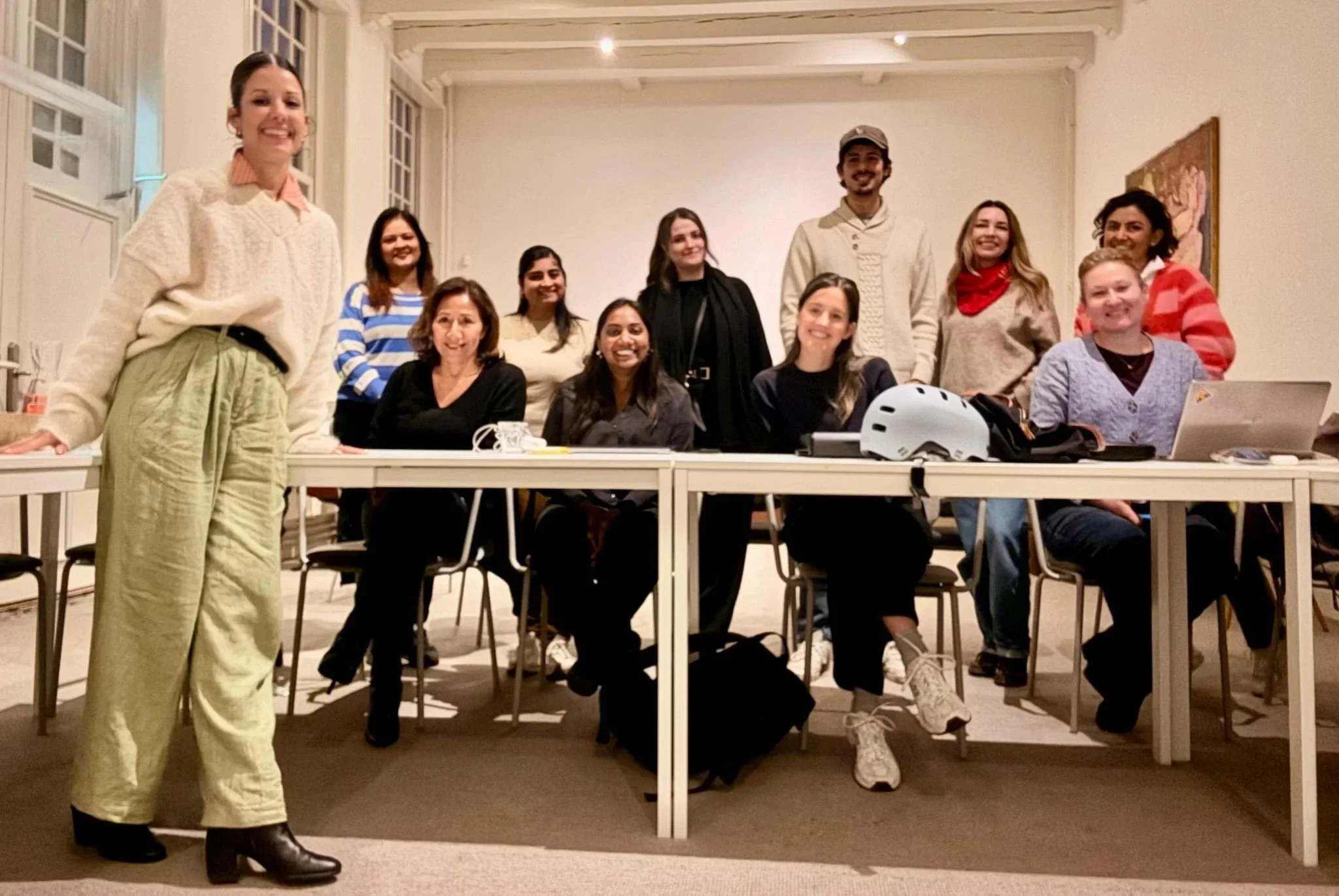
4 min read
How to choose an AI trainer for your team: 9 questions to ask
Hiring an AI trainer or AI workshop for your team? Nine questions that separate training people actually use from a slide deck they forget by Friday.
Read the post
5 min read
AI literacy under the EU AI Act: what employers actually need to do
Article 4 of the EU AI Act asks employers to support staff AI literacy. What it means in plain English, what changed in 2026, and a practical 5-step plan.
Read the postOnline course · opens December